

What is a Functionality Gap?
Business process functionality gaps are the discrepancy between the desired or ideal capabilities of a business process and its current performance. They occur when a process fails to meet the needs or expectations of the organization, and can lead to inefficiencies, errors, or missed opportunities.
Large enterprise solutions like ERP platforms offer broad-based solutions to companies that address many of their general business functions. What companies are finding, however, is that while these systems provide significant value, they also leave behind functionality gaps that may seem small but can have significant downstream impacts. Having the enterprise application provider or one of its consulting partners customize an application to fill these gaps can be cost-prohibitive and not offer the speed of deployment and cost/benefit ratios needed.
Key Components
To establish a functionality gap within your organization, there are a few different pieces that need to be identified:
- Desired state: The ideal or target level of performance for the business process. This is often based on industry best practices, strategic objectives, or customer requirements.
- Current state: The actual performance of the process, including its efficiency, effectiveness, and ability to meet goals.
- Gap: The difference between the desired state and the current state.
Common Functionality Gap Causes
There are many reasons why an organization might have functionality gaps within its systems. They may exist due to a number of things, such as:
- Outdated systems or processes: Legacy systems or outdated processes may not be able to support current business needs.
- Lack of resources: Insufficient staffing, budget, or technology can hinder process performance.
- Poor communication or collaboration: Ineffective communication or collaboration among team members can lead to errors and delays.
- Inefficient workflows: Complex, redundant, or poorly designed workflows can create bottlenecks and inefficiencies.
- Lack of standardization: Inconsistent practices or standards can make it difficult to achieve consistency and efficiency.
Identifying and Addressing Functionality Gaps
The process of identifying and addressing functionality gaps is key to filling them. Here are examples of what that process might look like for different organizations:
Identification
Process mapping is the process of visualizing the current processes to identify areas of inefficiency or redundancy. It also helps to identify root causes of issues in processes. Other ways to identify functionality gaps include benchmarking, which compares one organization’s performance to that of industry best practices. Tracking KPIs can also help to identify gaps when certain metrics aren’t met.
Addressing
Addressing functionality gaps can happen in a few different ways, the most important of which is process redesign. Rethinking or restructuring existing processes can improve efficiency or effectiveness more than anything else. Implementing new technology is also helpful. Continuing to chase improvement and creating a culture of getting better every day for the organization and its employees creates a positive environment.
- Functionality gaps can be caused by old technology, lack of resources, poor communication, and more.
- Identifying functionality gaps is the first step to addressing them.
- Bolt-ons are a great way to fill gaps in ERP functionality.
Start Filling the Gaps
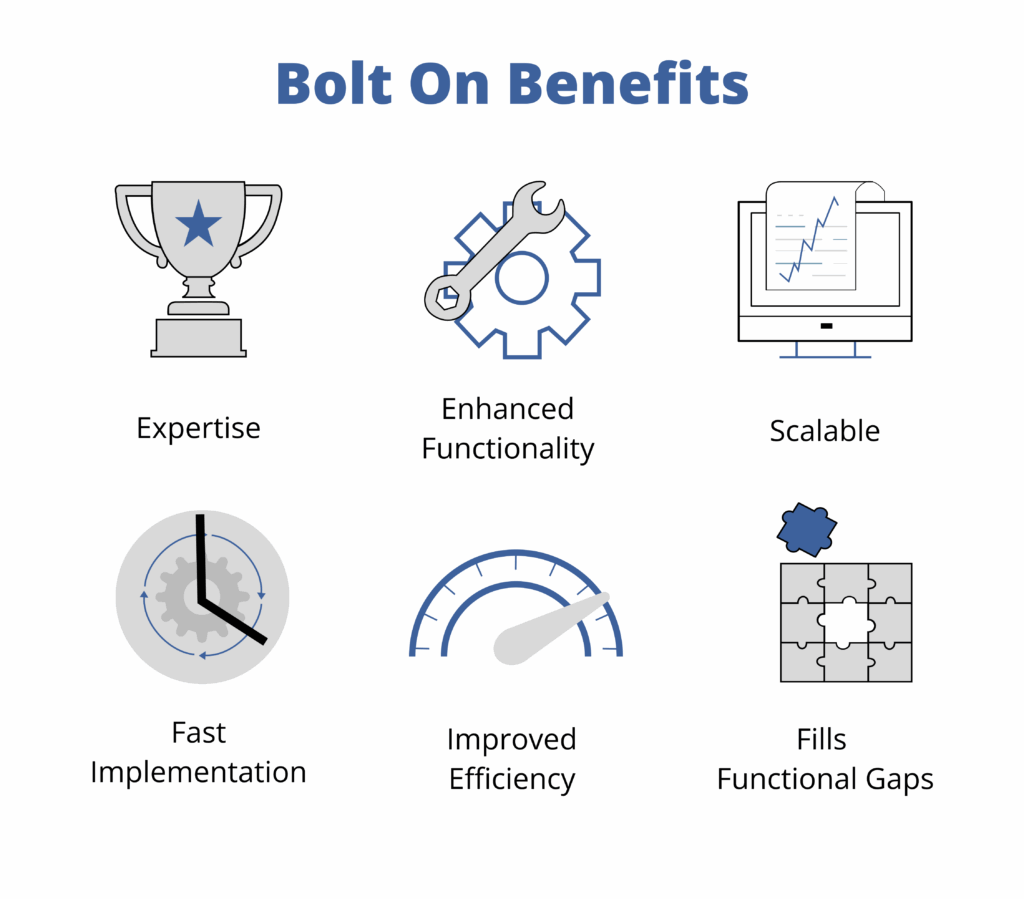
Targeted, cloud-hosted solutions can offer flexible and specific functionality to fill gaps in your processing environment or ERP. These bolt-on applications can be implemented rapidly without the slow and expensive customization of your legacy systems. Additionally, bolt-ons don’t touch the actual ERP, meaning that updates and upgrades can happen without any issues.
For over 30 years, ICG has provided solutions that address functionality gaps and fit in the odd-shaped business boxes that enterprise applications aren’t designed for. Whether it is a complex systems environment requiring multiple integrations or a challenging business process causing undue inefficiencies, large enterprise systems often require expensive and time-consuming customizations to address those “outside-of-the-box” issues.
If your organization has financial back-office systems and processes that don’t fit neatly in a box, ICG may be able to provide solutions that fill the gaps left by your enterprise applications. Contact ICG today for more information or request a demo of one of our world-class cloud-hosted solutions.