

The invoice is a crucial document that demands payment for goods or services delivered. It undergoes a fascinating, multi-stage life cycle. Understanding this process is key to maintaining healthy cash flow, accurate financial records, and strong vendor relationships.
Phase 1: Receipt and Data Capture
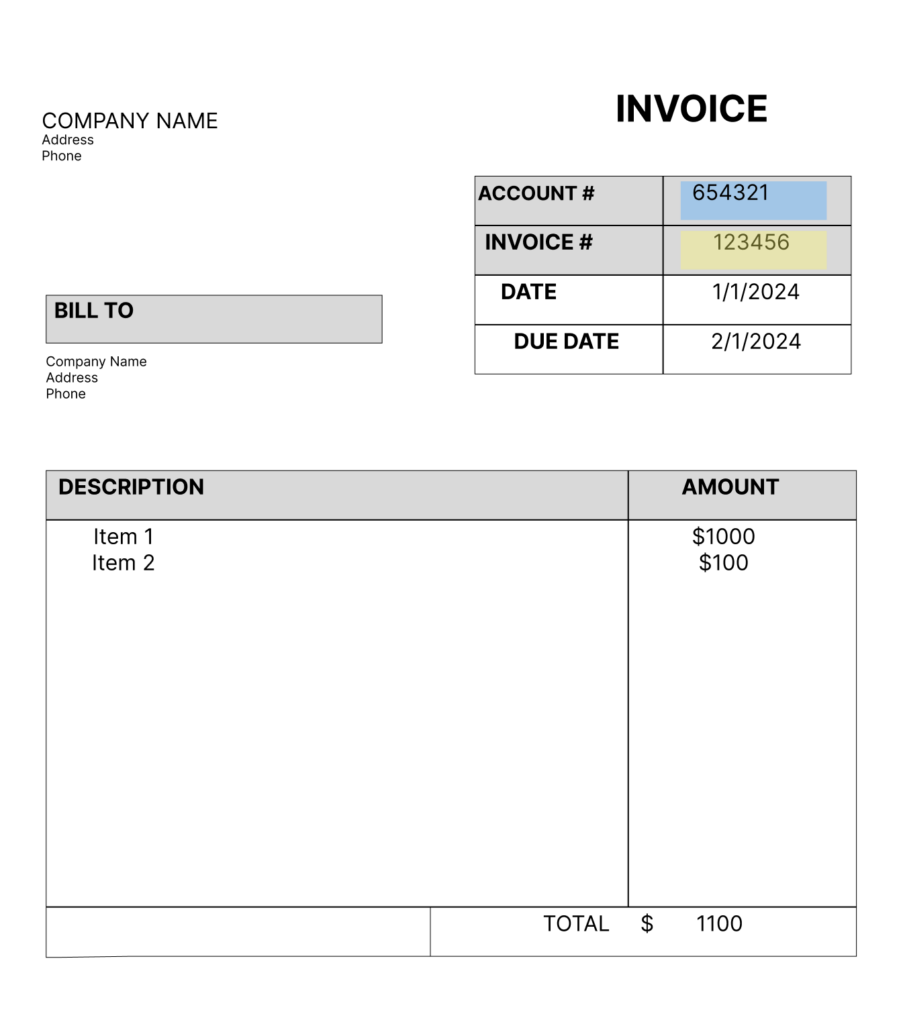
The life cycle for your organization begins the moment a vendor’s invoice arrives to you. This could be via email, paper mail, or increasingly, through an electronic data interchange system.
- Arrival: The accounts payable department receives the invoice.
- Scanning/Extraction: Scan the invoice if physical. Whether physical or digital, data capture technology (such as OCR) extracts key information. This may include data like vendor name, invoice date, amount due, and payment terms.
- Entry: Enter the data into the company’s ERP system or accounting software.
The Challenge: Human error in manual data entry can lead to delays and mispayments. Automation in this phase is a significant efficiency booster.
Phase 2: Validation and Approval
This is arguably the most critical and time-consuming stage, ensuring the company actually pays the bill.
- Three-Way Matching: The invoice is compared against two other key documents:
- The Purchase Order: Proof that the goods/services were requested and authorized.
- The Receiving Report (or Goods Received Note): Proof that the goods/services were actually delivered and accepted. If all three documents match (PO amount, GRN quantity, and Invoice total), the invoice is ready for approval.
- Routing for Approval: If the invoice doesn’t have a corresponding PO or is above a certain monetary threshold, it must be routed to the relevant department manager for coding (assigning the expense to the correct general ledger account) and sign-off.
- Resolution: Any discrepancies (e.g., mismatched prices or missing goods) require communication with the vendor or the internal purchasing team before approval can proceed.
Key Concept: Matching validates the expense; Approval authorizes the payment.
Phase 3: Payment Processing
Once approved, the invoice moves from a liability on the books to an action item for the treasury or payments team.
- Scheduling: The AP team schedules the payment according to the negotiated terms (e.g., Net 30, meaning payment is due 30 days after the invoice date) to maximize the company’s cash on hand while avoiding late fees.
- Payment Execution: The actual funds transfer takes place. Common methods include:
- ACH transfers
- Wire transfers
- Virtual cards
- Paper checks
- Remittance Advice: The vendor typically receives a remittance advice detailing which invoices the payment covers.
Phase 4: Vendor Portal Confirmation and Remittance
This is the final, most efficient step, often replacing the need for manual archiving and reconciliation on the vendor’s side.
- Real-time Visibility: The vendor logs into the buyer’s Vendor Portal (or a third-party integrated portal).
- Payment Status Update: The vendor can see a real-time status change for their invoice(s) from “Approved” to “Paid.”
- Accessing Remittance Advice: The vendor can access, view, and download the electronic remittance advice directly from the portal. This single, organized document enables the vendor’s AR team to instantly and accurately match the incoming bank deposit to all the invoices it covers.

Learn More
The trend in the financial back office is toward Straight-Through Processing. Modern solutions use AI and machine learning to automate data capture, match invoices instantly, and route exceptions to human reviewers. This digital transformation reduces the invoice life cycle from days to minutes, strengthening financial control and freeing AP teams to focus on strategic financial analysis rather than manual data processing.
What part of the back office process do you find most challenging in your organization? To learn more about how ICG can help your organization, watch this short video or request a demo.