

Businesses and individuals are continually seeking ways to streamline their workflows, boost productivity, and accomplish more with less effort. While there are many ways to achieve the goals of an organization, finding solutions that work well together can be a challenge. One of the most effective solutions to this challenge has been ensuring that all solutions are within a comprehensive suite.
What Is A Comprehensive Software Suite?
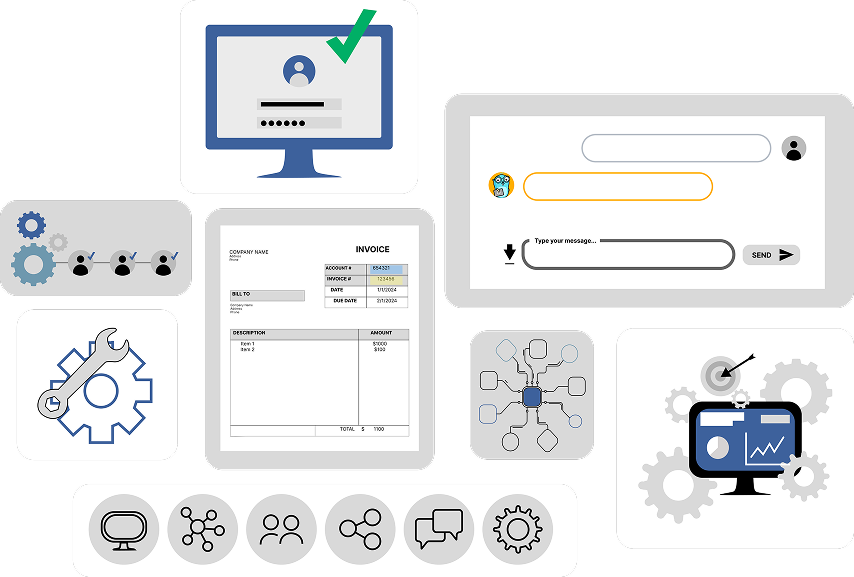
A comprehensive suite of solutions is a collection of applications bundled and sold together to address a wide range of related tasks. Instead of purchasing and managing separate programs for every need, a software suite provides a single, integrated solution.
Why Are Comprehensive Suites Helpful?
Seamless Integration and Compatibility
This is the single biggest advantage. The applications within a suite are designed to work together, sharing a common user interface and a single data model. This allows for easy movement of information from one program to another without compatibility issues. Imagine effortlessly pulling data from a spreadsheet into a presentation or a document, or connecting a database to a report. This seamless flow of information eliminates manual data entry, reduces errors, and saves a significant amount of time.
Cost-Effectiveness
Purchasing a suite is almost always more affordable than buying each application individually. For both individuals and enterprises, this bundled pricing provides a cost-effective solution for a complete set of tools, from basic office productivity to specialized suites for graphic design or accounting.
Enhanced Productivity and Efficiency
With a comprehensive suite, employees and users can work more efficiently. The unified environment means less time is spent switching between different programs and learning new interfaces. Everything is in one place, with consistent design and functionality, which flattens the learning curve and allows teams to focus on their work, not their tools. This is particularly crucial for businesses that want to streamline communication and collaboration.
A Single Source of Truth
Data is crucial to organizations, and a comprehensive suite helps consolidate that information. By having all your related data in one system, you create a “single source of truth.” This real-time visibility allows for better decision-making and ensures everyone is working with the most up-to-date information. It reduces the risk of having fragmented data in different, incompatible systems.
Simplified Management and Security
For businesses, a single-vendor solution simplifies IT management. Instead of managing licenses, updates, and security for a dozen different applications from different vendors, you can manage a single suite. These suites often come with robust security features, like encryption and secure authentication, and are regularly updated to protect against new threats.
- A comprehensive suite is most effective when everything can be integrated. This means that there will be one single source of truth, leading to fewer errors and more simplified management in the long run.
- With modular solutions such as ICG’s, it’s easy to add more solutions as the need arises.
Learn More
One thing is clear: comprehensive suites aren’t going anywhere. With the rise of cloud computing, AI, and machine learning, these suites are becoming even more powerful. AI-powered tools integrate to automate complex tasks, provide predictive analytics, and assist with everything from code generation to data analysis.
While some companies may opt for a “best-of-breed” strategy, choosing the top-rated software for each specific function, the trend towards comprehensive suites is a strong one. For many, the benefits of integration, efficiency, and cost savings make the all-in-one approach an increasingly attractive and viable solution for the modern workplace.
But when it comes to ICG, why choose between a comprehensive suite and best-of-breed technology? ICG offers both best-of-breed solutions and a comprehensive suite of products that can turn your back office into something great. To learn more, watch this short video or request a demo.