

What is Data Capture?
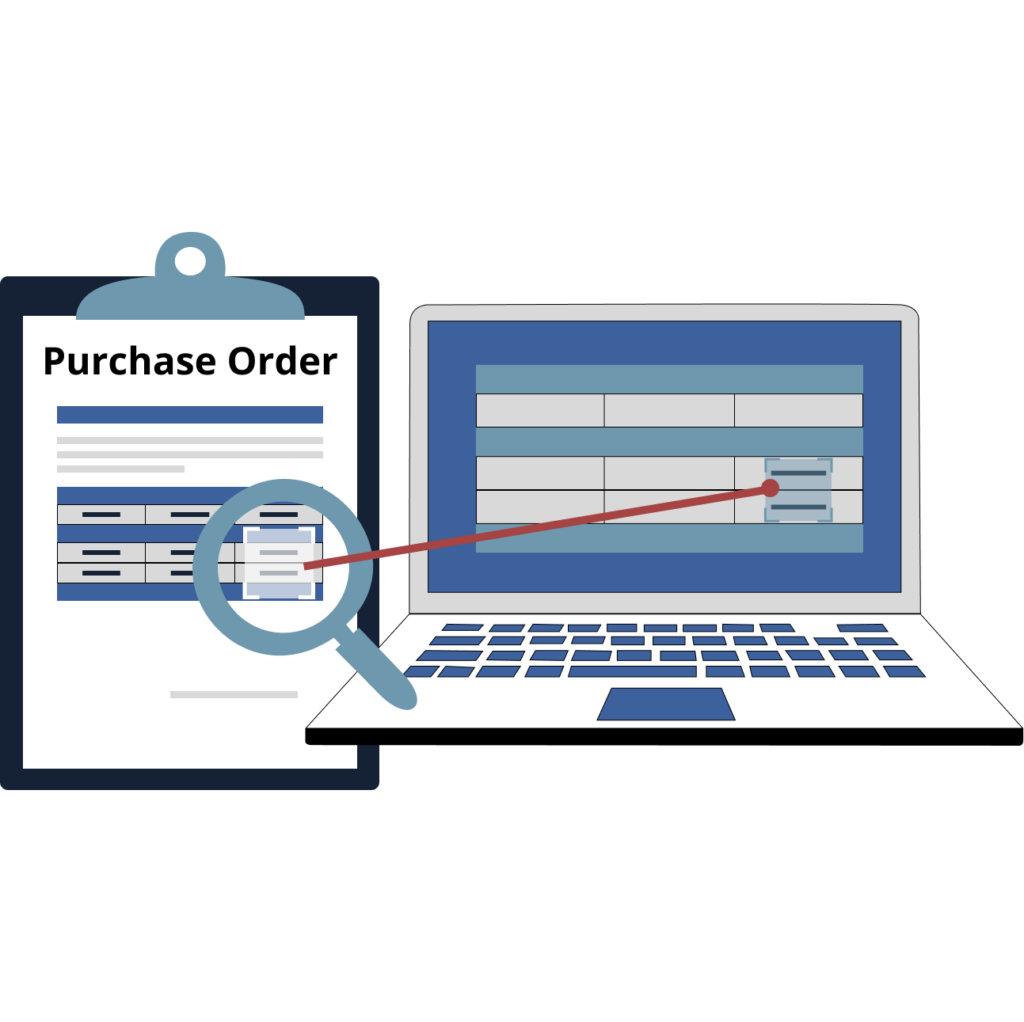
Data capture is the process of “capturing” and converting information from documents into a form that can be handled electronically with little or no human intervention. In an accounts payable environment, this information is extracted from invoices of varying formats and file types so the invoices can be processed for payment. These tools can vary from simple data entry tools to much more complex tools such as Optical Character Recognition (OCR) applications, vendor portals, or document assembly solutions.
Why Is Data Capture Important?
Data capture is crucial because it is the foundation for many key functions in the financial back office. It provides the essential building blocks for organizations to make informed decisions, improve efficiency, and better understand their customers. By capturing data from various sources, businesses can gain insights into customer preferences, track inventory, analyze trends, and ultimately optimize their operations. It is essential for making informed decisions, optimizing operations, and driving growth.
Here are some best practices to ensure the quality and integrity of your data capture processes:
Define Clear Goals
- Identify Objectives: Clearly define what you want to achieve with the data you collect. Are you tracking invoices, vendors, or employee performance?
- Determine Key Metrics: Identify the key metrics that will help you measure success.
- Establish Data Standards: Set clear standards for data formats, naming conventions, and units of measurement.
Choose the Right Methods
- Manual Data Entry: While often simple, manual data entry is prone to errors and time-consuming.
- Barcode Scanning: Efficient for capturing large volumes of data, especially in inventory and logistics.
- Optical Character Recognition: Converts printed or handwritten text into a digital format, reducing manual data entry.
- Mobile Data Capture: Utilizes mobile devices to capture data on the go, such as field service reports or sales orders.
- Data Integration: Combines data from multiple sources into a unified system, improving data consistency and accessibility.
Prioritize Data Quality
- Data Validation: Implement data validation rules to ensure data accuracy and consistency.
- Data Cleaning: Regularly clean and scrub your data to remove errors, inconsistencies, and duplicates.
- Data Standardization: Enforce data standards to maintain consistency and improve data quality.
Ensure Data Security
- Access Controls: Limit access to sensitive data to authorized personnel.
- Encryption: Encrypt sensitive data to protect it from unauthorized access.
- Regular Backups: Regularly back up your data to prevent data loss.
- Compliance: Adhere to relevant data privacy regulations (e.g., GDPR, CCPA).
Optimize Processes
- Streamline Workflows: Identify and eliminate bottlenecks in your data capture processes.
- Automate Tasks: Use automation tools to automate repetitive tasks, reducing errors and improving efficiency.
- Train Your Team: Provide training to your team on best practices and the use of data capture tools.
- Regularly Review and Improve: Continuously review and improve your processes to adapt to changing business needs.
- Data capture is the process of collecting data and converting it into a digital form.
- There are many different methods of data capture, so it’s important to consider which will work best for your organization.
- Prioritizing data quality is crucial when choosing data capture technology.
Learn More
By following these best practices, you can improve the accuracy, efficiency, and security of your data capture processes, leading to better decision-making, increased productivity, and overall business success.
The key to streamlining your document capture process in your AP automation system is developing a strategy that takes into account all of the different sources and documents you receive. Then, this system turns this information into a consistent and efficient process.